Post purchase

Tasks
UI, UX, Redesign

Time
July 2018

Agency
Design Studio

British Airways tasked Design Studio with redesigning their post purchase experience. They realised that users found the post purchase journey difficult to navigate, which caused anxieties and issues for travellers as they didn’t always have the correct information.

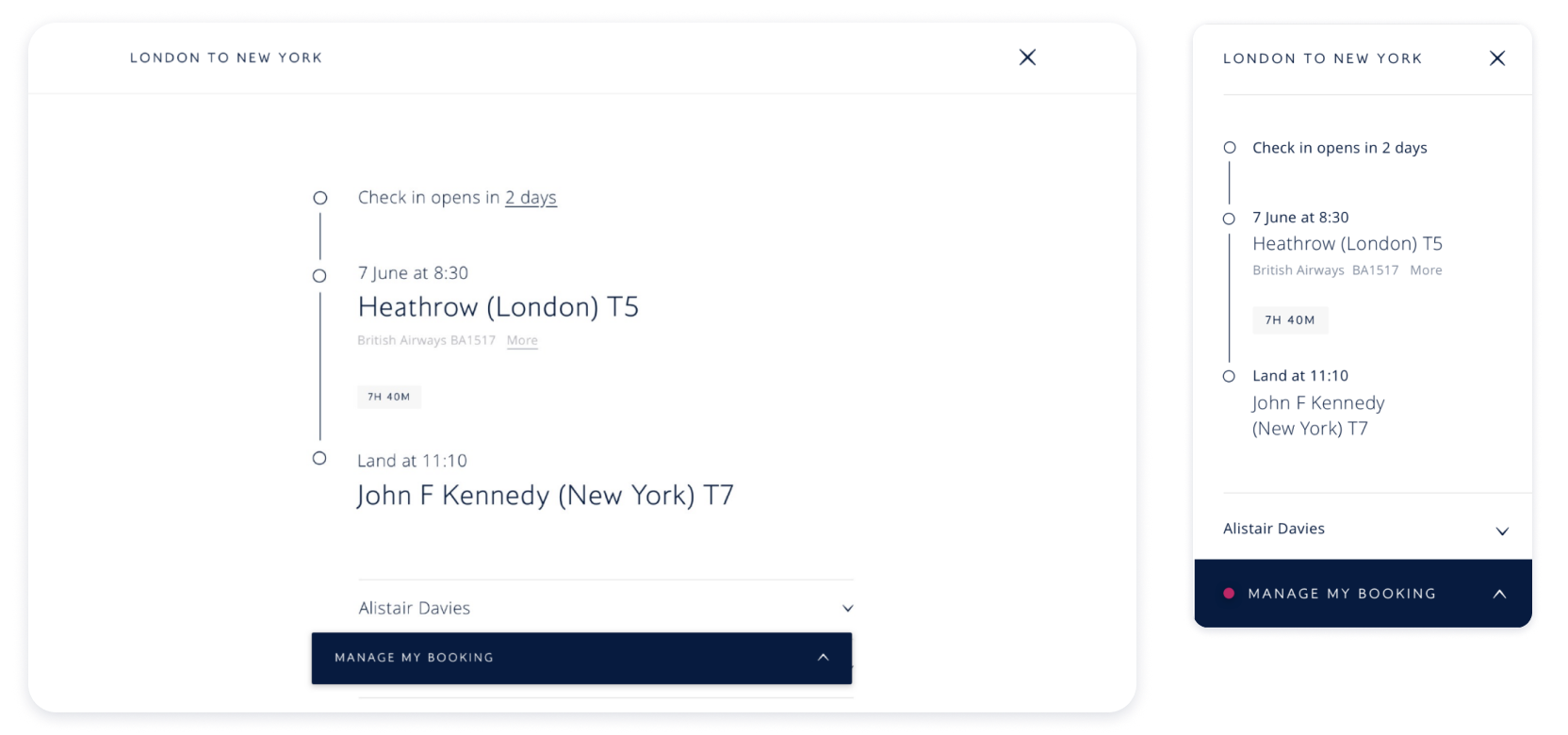
The goal was to redefine the itinerary experience, and make the process of getting ready to fly easy for users. This included making the following features easier to understand:

  • Itinerary times

  • When check-in was available

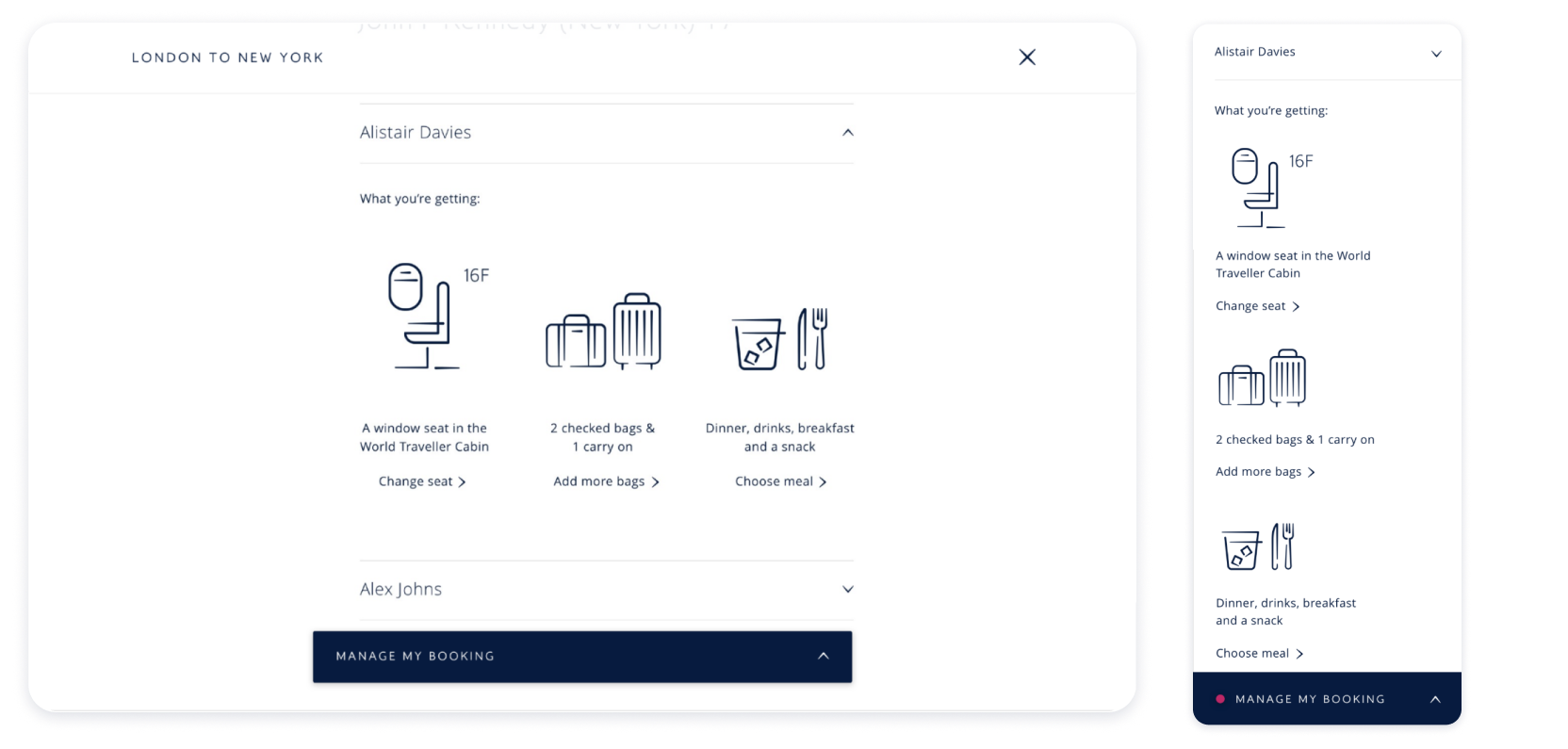
  • Seat allocation and options to change

  • Baggage allowance

Goal

Ideation workshops
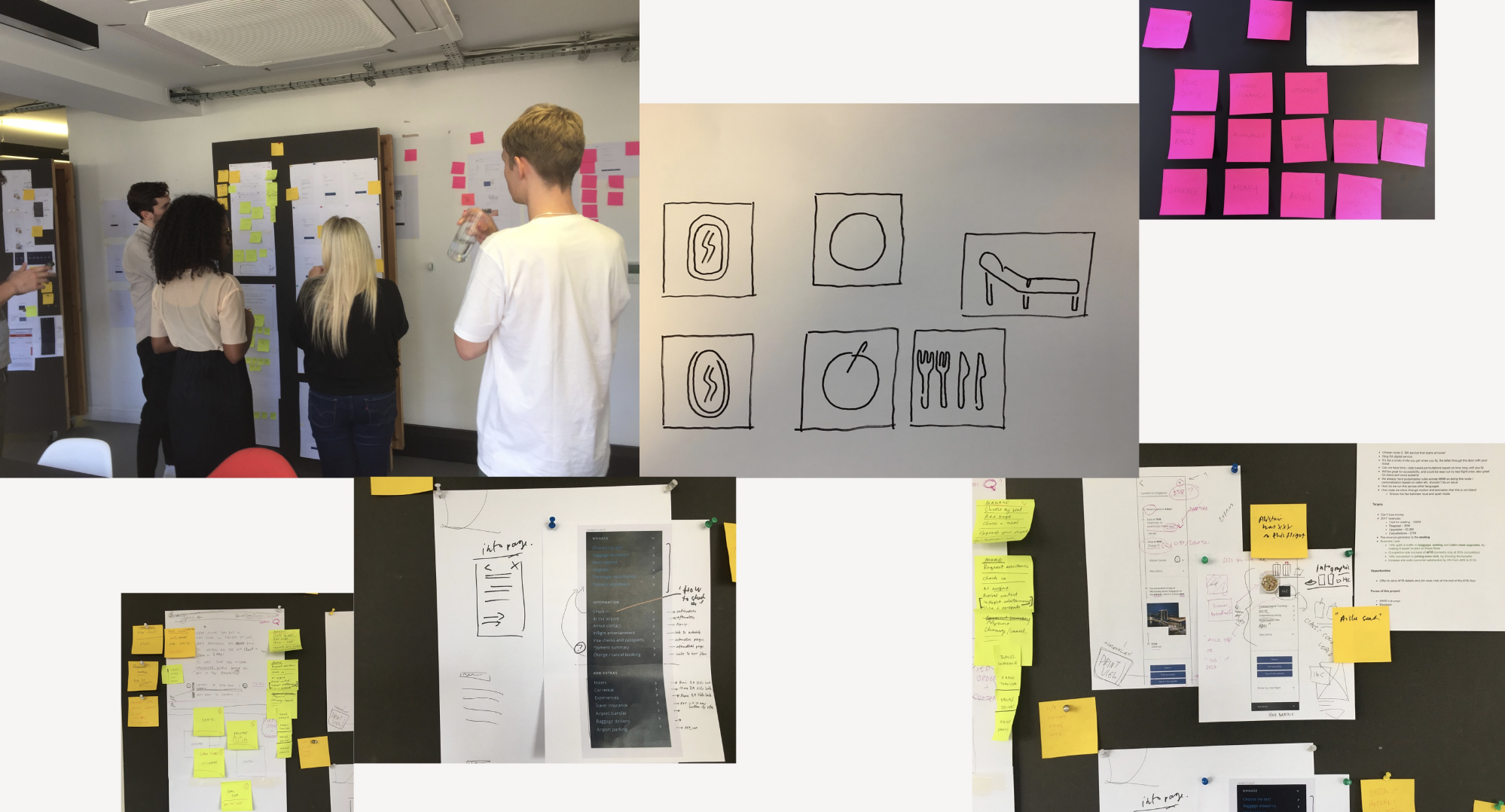
Group of people discussing and brainstorming around large boards filled with notes and sketches, with sticky notes and printed pages pinned and taped to walls.

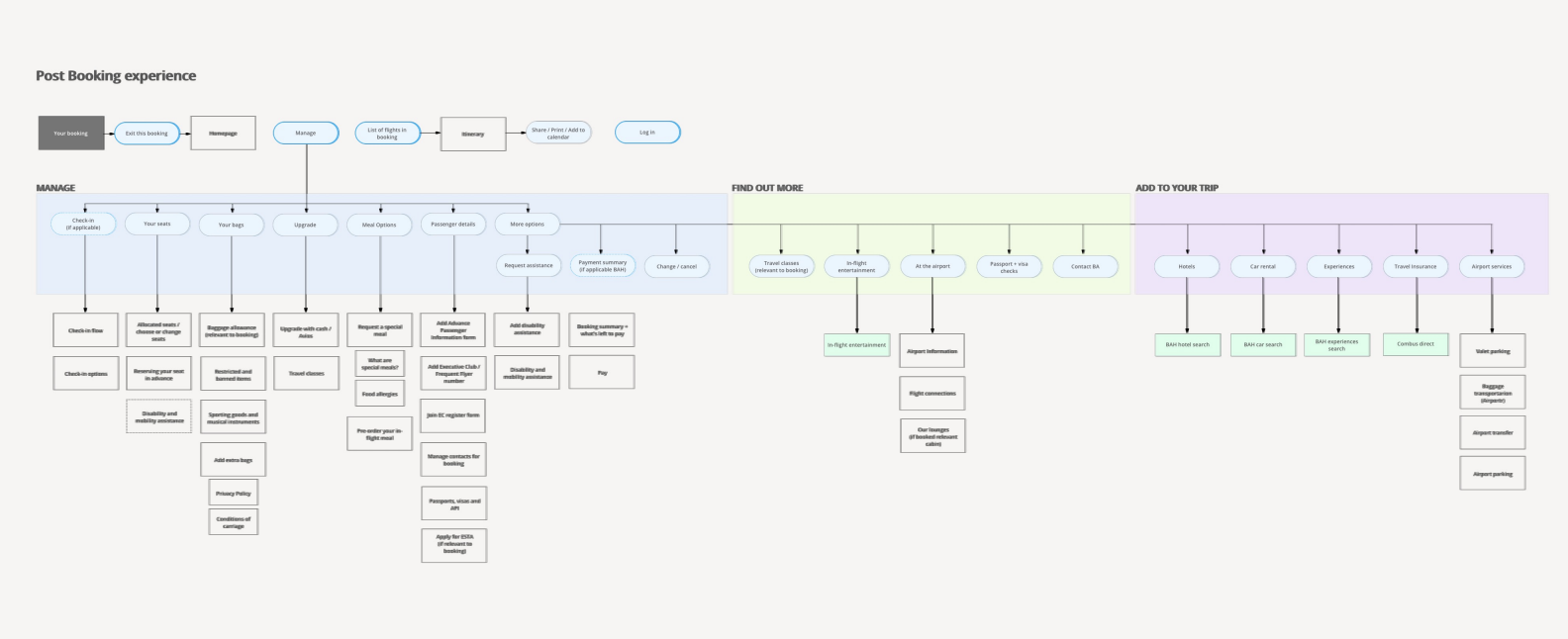
Information Architecture

Flowchart titled 'Post Booking Experience' illustrating steps for managing a flight booking, finding out more about travel options, and adding services to the trip, with sections highlighted in different colors.

Design concepts

As the goal was to simplify all the information, it was very important to humanise the experience by ensuring that the tone of voice was similar to speaking directly with a BA representative.
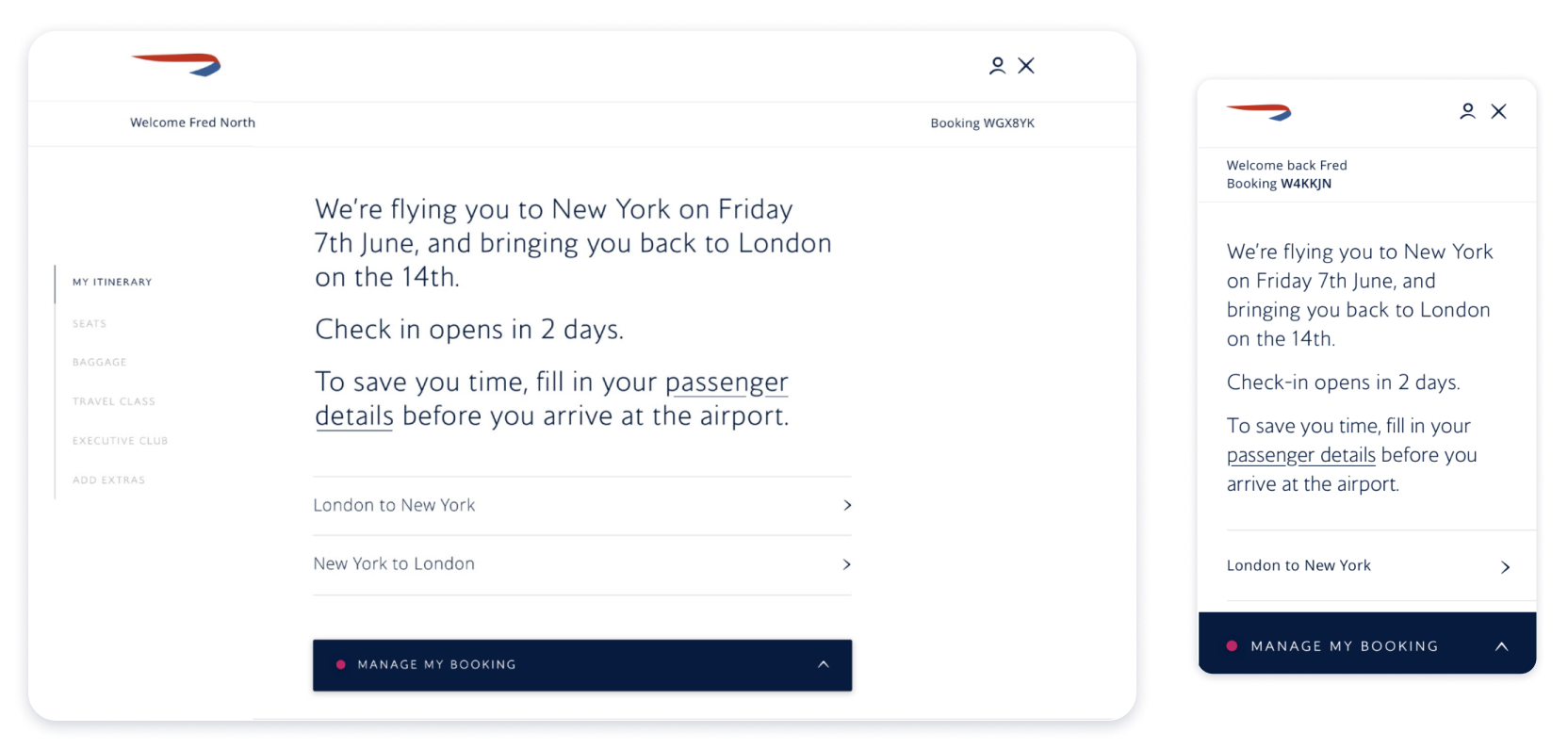
Screenshots of a flight booking app displaying travel details from London to New York and back, with options to manage the booking, shown on a tablet and a smartphone.

Illustrations

Users have alot of anxiety around their baggage allowance. Using both large illustrations and numbers, we make it clear to the users exactly how many bags are in their allowance and the types of bags.
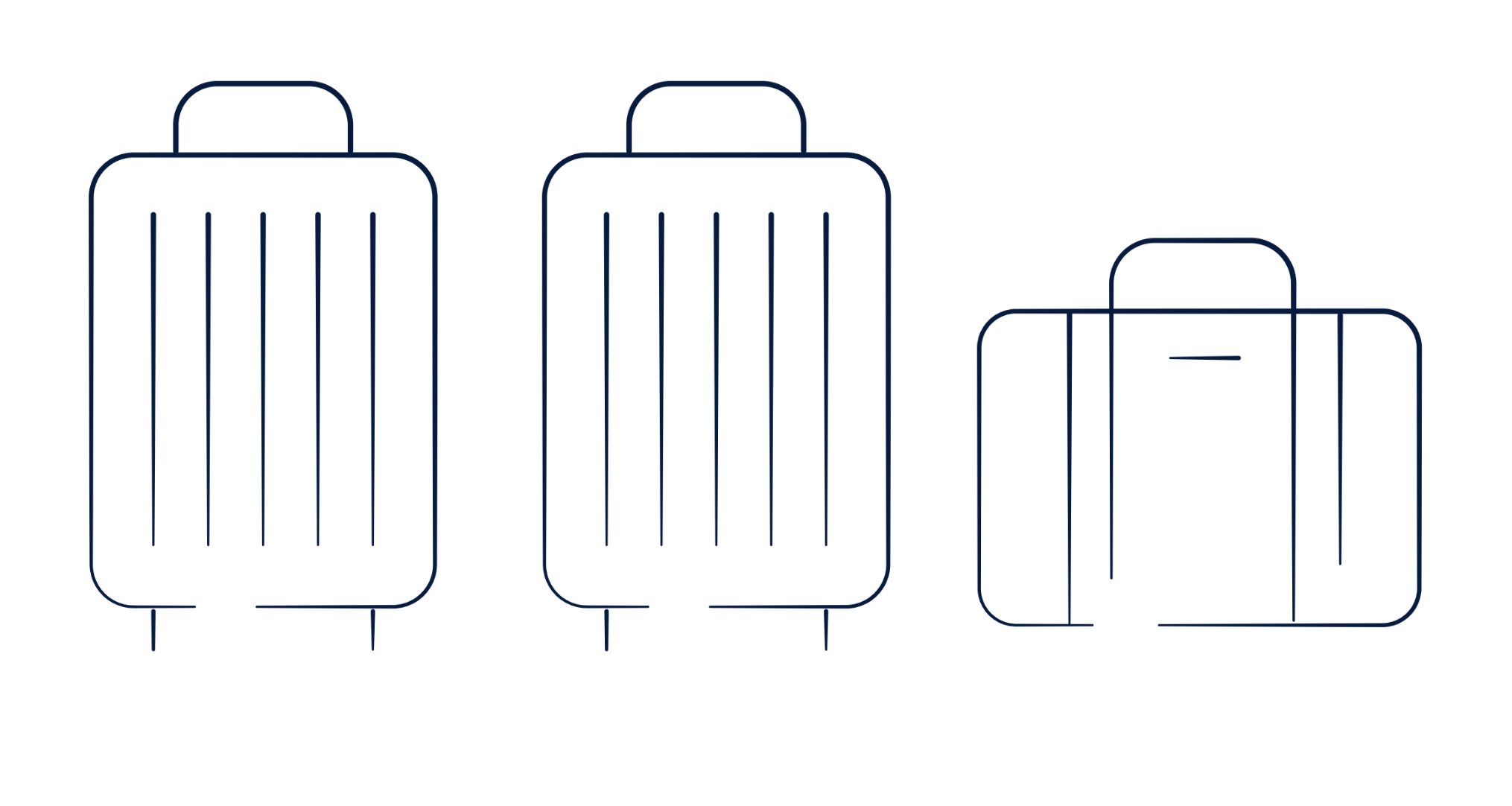
Line drawing of three suitcases, two large upright with wheels and one smaller horizontal style, all with handles.

Outcome

An intuitive responsive modern experience, that helps users prepare to travel in a clear way, with a human tone of voice.
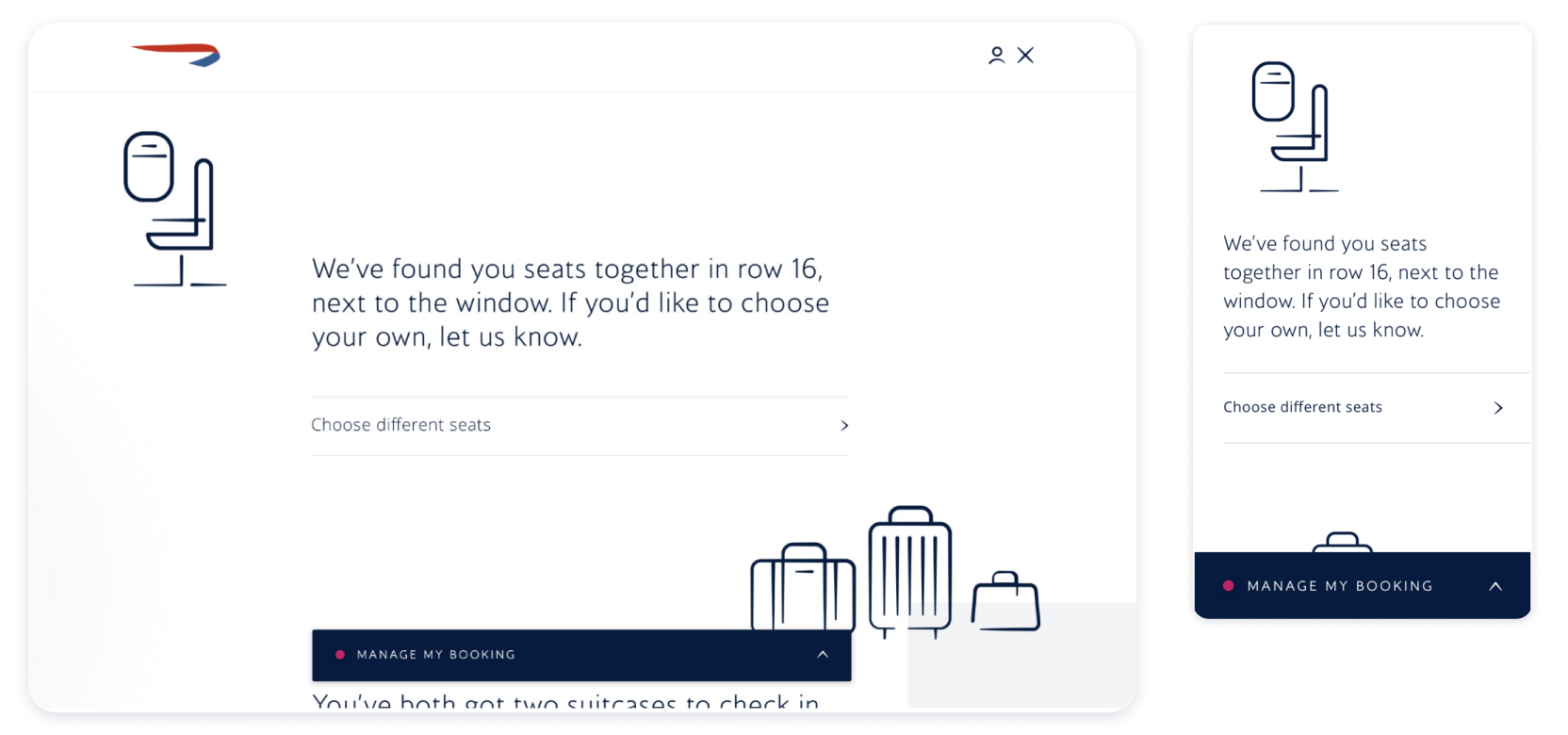
Mobile app interface for seat selection on a flight, showing text about seats in row 16 and an option to choose seats. There are icons of a suitcase, a smaller bag, and a laptop, with a dark blue 'Manage My Booking' button at the bottom.
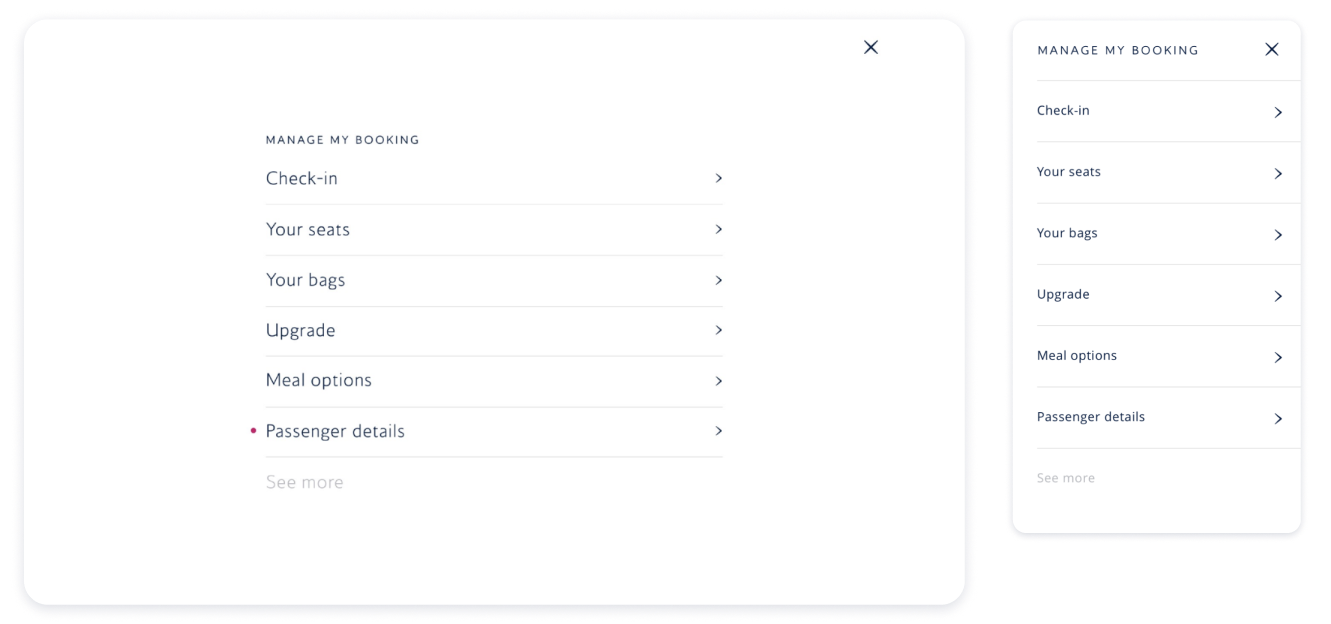
Screenshots of a mobile app interface for managing a flight booking, showing options for check-in, seats, bags, upgrade, meal options, and passenger details.
Flight booking management interface displaying flight details from London to New York, including departure date and time, airline, flight number, and arrival time, with options to manage the booking.
Screenshots of a travel booking website for a flight from London to New York. The main screen shows seat and meal selection options, while the mobile view shows a summary of the booking details, including seat, baggage, and meal choices.

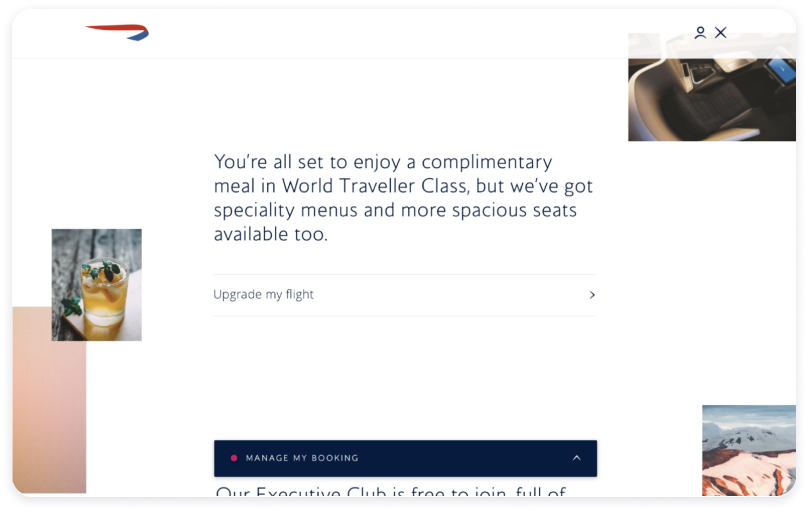
Upgrade and cross sell

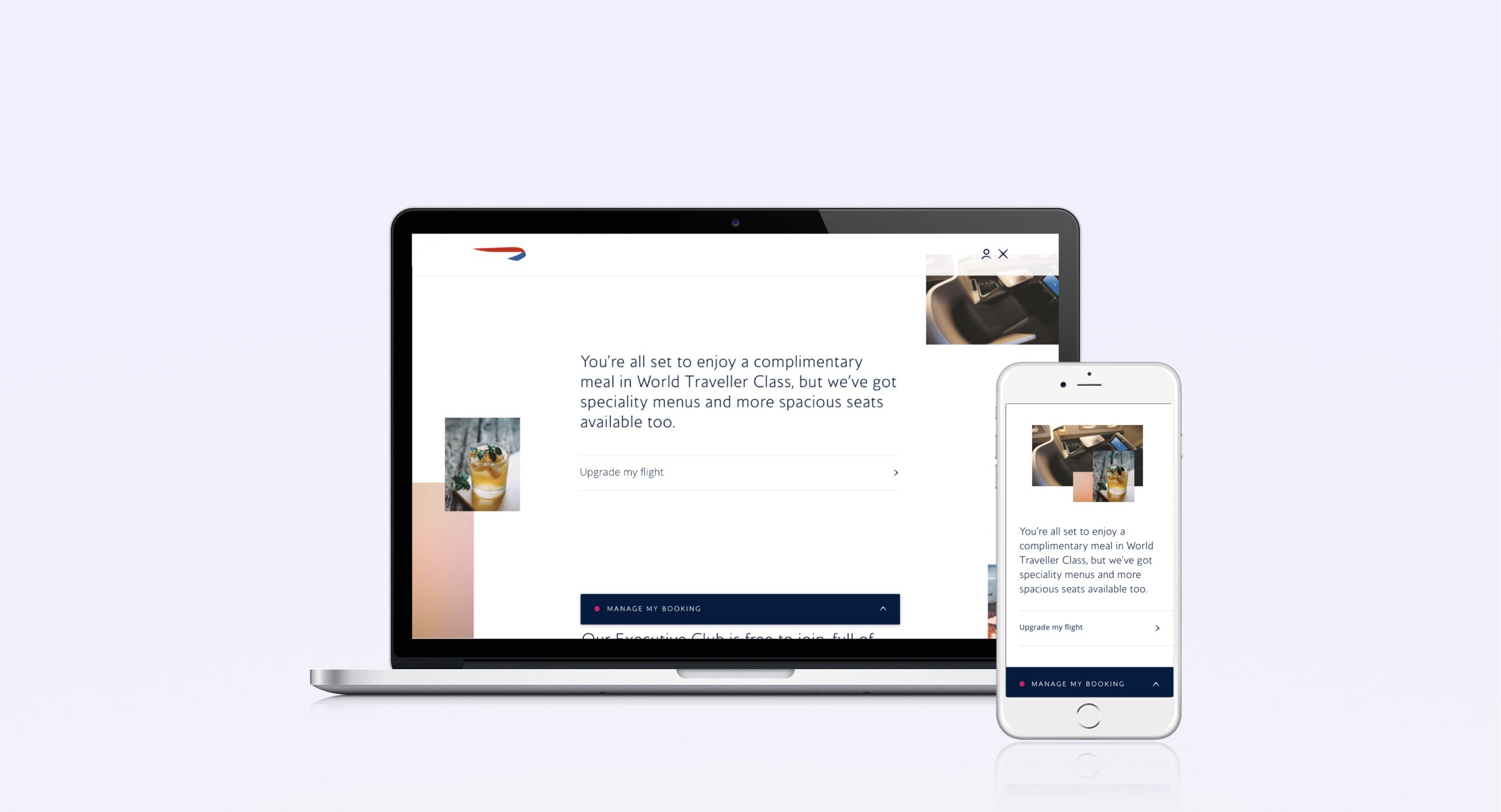
Screenshot of a travel booking website or app showing information about complimentary meals for World Traveller Class, with a small preview image of a drink and other small images of planes and landscapes.
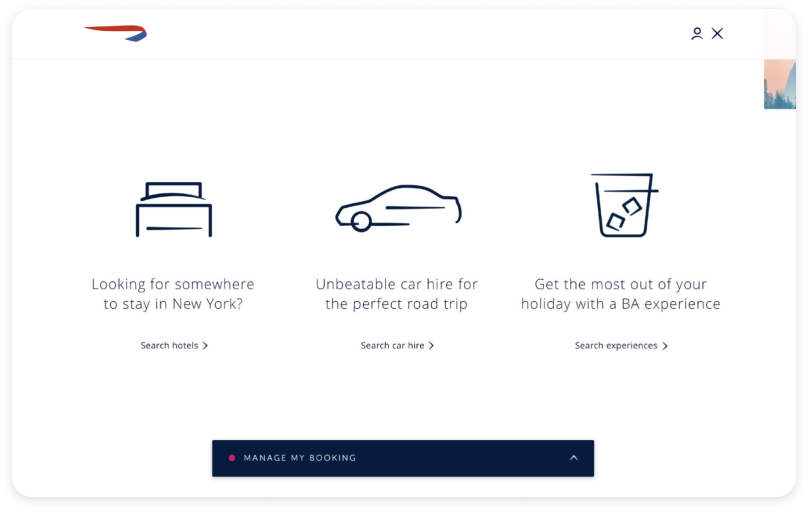
Website homepage with three icons and phrases about travel services: hotels in New York, car rentals, and experiences, with a booking management button at the bottom.

Please be aware this page is not linked on the main home page